

FAQ
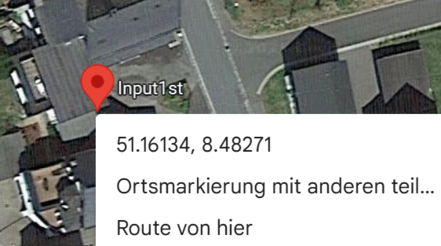
You can get the coordinates by right-clicking on the desired location in Google Maps or by pressing and holding your finger on the screen on your mobile. You can then copy them and paste them here.
The coordinates determine the position of the marker on the map.
Please do not submit the registration form twice; instead, contact us at info@input-first.com and we will update your details for you.
- Click on the link here.
- Enter the email address you used to make the purchase.
- ThriveCart will then send you an email containing a link where you can manage and change your purchases and subscriptions.
